Booking On To Sessions
Carleton Running uses an App for you to be able to see what the upcoming sessions are events are, and to book on to sessions.
We use STACK TEAM APP, which is available on Apple Store and Google Play.
Download STACK TEAM APP here for free – http://teamapp.com/app

How to register as a user on our App.
Download the App from http://teamapp.com/app and register as a Stack Team App user (for free).
Search for CARLETON RUNNING COMMUNITY. You’ll see our logo there.
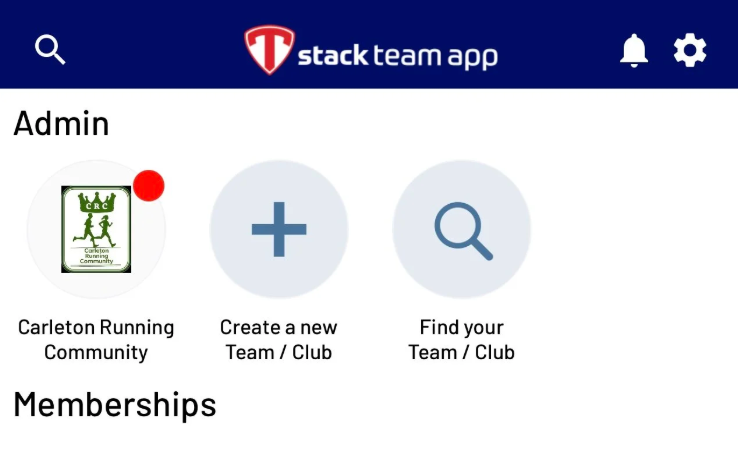
Request permission to be added, and one of the club coaches will let you in.
When you have access to the App, you will be able to see the EVENTS and CHAT options which we use mostly.
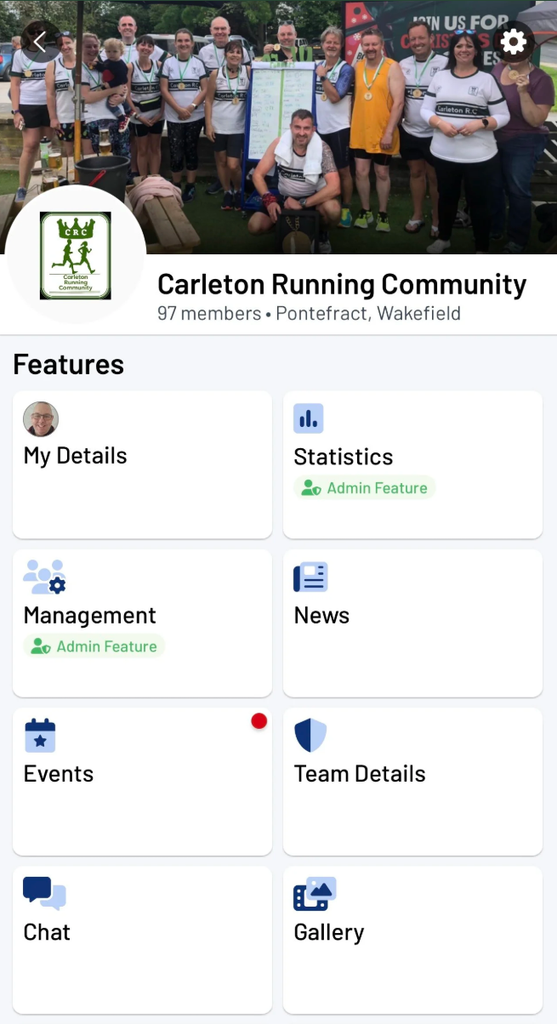
Select the EVENTS option and then choose the session you’d like to attend.
Select YES and then answer the questions it will ask you – usually which session you want to do.
This is the same for social events too which we put on the App for club events.
This is so that all members get the chance to see if they’d like to attend or not.
Remember to enter your emergency contact details
One of the reasons we request that members book on via the app is for safety reasons.
Only coaches and run leaders will have access to your emergency contact details.
Contact details are only accessed should they be required to help you.